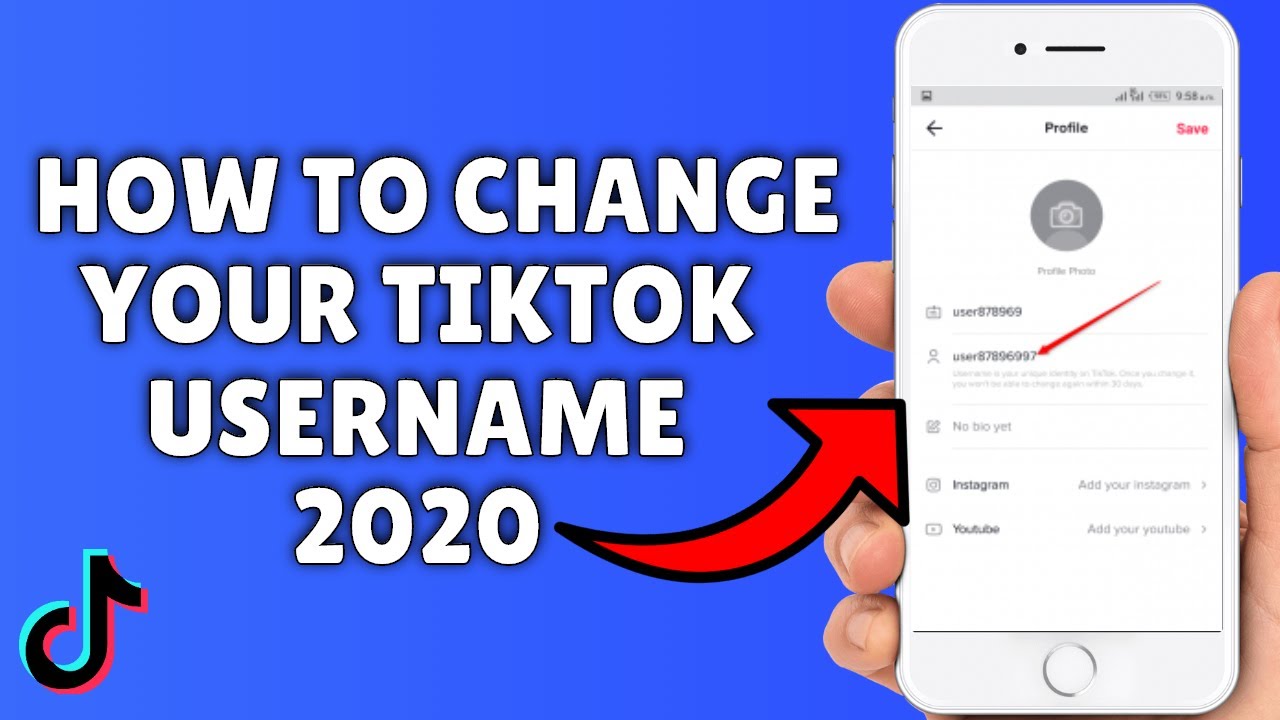
Can You Change Your TikTok Name? The Answer Is Yes!
TikTok is a popular social media platform where users can create and share short videos. When you first create a TikTok account, you are given a username. This username is used to identify you on the platform and is displayed next to your videos. You may want to change your TikTok name for various reasons, such as if you want to use a more professional-sounding name or if you want to match your name on other social media platforms. Changing your TikTok name is a simple process that can be done in a few steps.
To change your TikTok name, open the TikTok app and tap on the "Me" icon in the bottom right corner of the screen. Then, tap on the "Edit Profile" button. On the Edit Profile page, tap on the "Username" field and enter your new username. Once you have entered your new username, tap on the "Save" button.
Your TikTok name will now be changed. Please note that you can only change your TikTok name once every 30 days.
Changing your TikTok name can be a great way to refresh your brand or to make it easier for people to find you on the platform. If you are thinking about changing your TikTok name, be sure to choose a name that is easy to remember and that reflects your personality or brand.
FAQs on Changing Your TikTok Name
Here are some frequently asked questions about changing your TikTok name:
Question 1: Can I change my TikTok name more than once?
Yes, you can change your TikTok name as many times as you want, but you can only change it once every 30 days.
Question 2: What are the character limits for a TikTok username?
TikTok usernames can be up to 24 characters long.
Question 3: Can I use special characters in my TikTok username?
No, you cannot use special characters in your TikTok username.
Question 4: What happens to my old TikTok username when I change it?
Your old TikTok username will no longer be available to use by anyone, including yourself.
Question 5: Will changing my TikTok name affect my followers or likes?
No, changing your TikTok name will not affect your followers or likes.
Question 6: Why can't I change my TikTok name?
There are a few reasons why you may not be able to change your TikTok name. One reason is that you may have recently changed your name and the 30-day waiting period has not yet passed. Another reason is that your new username may already be in use by someone else. If you are having trouble changing your TikTok name, you can contact TikTok support for help.
Changing your TikTok name is a simple process that can be done in a few steps. Just be sure to choose a name that is easy to remember and that reflects your personality or brand.
Transition to the next article section...
Conclusion
As discussed in this article, changing your TikTok name is a simple process that can be done in a few steps. However, there are some things to keep in mind before changing your name, such as the 30-day waiting period and the character limits. It is also important to choose a name that is easy to remember and that reflects your personality or brand.
If you are considering changing your TikTok name, be sure to weigh the pros and cons carefully. If you decide to change your name, follow the steps outlined in this article to ensure a smooth transition.
Uncovering The Mystery Of "666 Meaning China"
Everything You Need To Know About Billing Addresses
Thoughtful Mother-Daughter Birthday Message | Expressing Love | Connecting Hearts