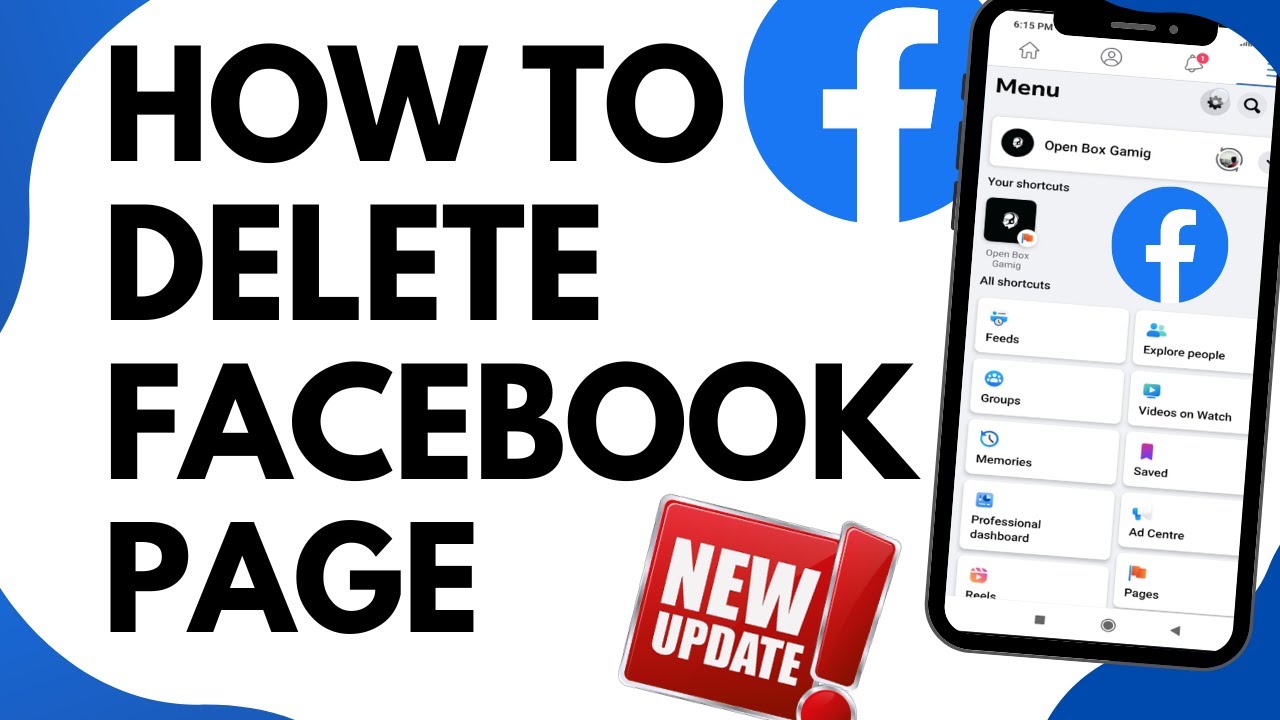
Tired of your Facebook page? Dont worry; deleting it is a simple process that can be completed in just a few minutes.
To delete your Facebook page, first, you need to log in to your account. Once youre logged in, click on the Settings tab in the top right corner of the screen. Then, click on the General tab in the left-hand column. Scroll down to the bottom of the page and click on the Delete Your Account link.
On the next page, you will be asked to confirm that you want to delete your account. Once you have confirmed, your account will be deleted permanently. Please note that once you delete your account, you will not be able to recover it.
If you have any questions about deleting your Facebook page, please contact Facebooks support team.
FAQs about Deleting a Facebook Page
In this section, we address common questions and concerns about deleting a Facebook page.
Question 1: How do I delete my Facebook page?
Answer: To delete your Facebook page, log in to your account, click on the Settings tab, click on the General tab, scroll down to the bottom of the page, and click on the Delete Your Account link.
Question 2: What happens when I delete my Facebook page?
Answer: When you delete your Facebook page, it will be permanently deleted. You will not be able to recover it.
Question 3: Can I delete my Facebook page if I am a minor?
Answer: No, you must be 13 years of age or older to delete your Facebook page.
Question 4: What should I do if I have forgotten my Facebook password?
Answer: If you have forgotten your Facebook password, you can reset it by clicking on the Forgot Password link on the login page.
Question 5: How long does it take to delete a Facebook page?
Answer: It usually takes a few minutes to delete a Facebook page.
Question 6: Can I recover my Facebook page after I have deleted it?
Answer: No, once you delete your Facebook page, it is permanently deleted. You will not be able to recover it.
Summary: Deleting a Facebook page is a permanent process. Once you have deleted your page, you will not be able to recover it. If you are unsure whether or not you want to delete your page, we recommend that you deactivate it instead.
Next steps: If you have any other questions about deleting your Facebook page, please contact Facebooks support team.
Conclusion
Deleting a Facebook page is a permanent process. Once you have deleted your page, you will not be able to recover it. If you are unsure whether or not you want to delete your page, we recommend that you deactivate it instead.
If you have any questions about deleting your Facebook page, please contact Facebooks support team.
20 Irresistible Reasons Why I Adore You
10 Unforgettable Cartoon Characters With Luxurious Long Hair
Kevin Durant's Family Life: Wife And Son