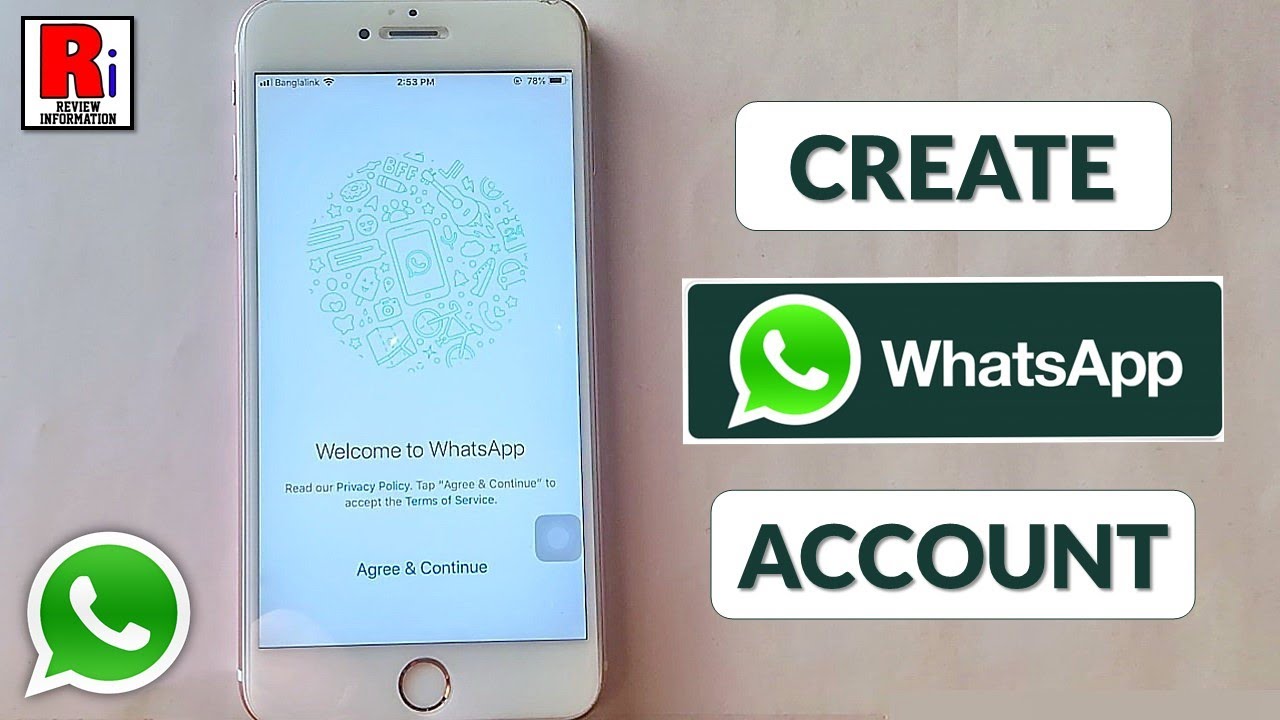
Wondering how to stay connected with friends and family around the world without spending a fortune?
Creating a WhatsApp account is the answer! WhatsApp is a free, cross-platform messaging and voice over IP service owned by Meta. It allows users to send text messages and voice messages, make video calls, and share images, documents, and other media.
With over 2 billion active users worldwide, WhatsApp is one of the most popular messaging apps in the world. It is available for download on a variety of devices, including smartphones, tablets, and computers. Creating a WhatsApp account is quick and easy, and it only takes a few minutes to get started.
Once you have created a WhatsApp account, you can start chatting with friends and family who also have the app installed. WhatsApp uses your phone's internet connection to send and receive messages, so you can stay connected even when you're not on a Wi-Fi network.
In addition to sending text messages, WhatsApp also allows you to make voice and video calls. This is a great way to stay in touch with loved ones who live far away or who are traveling.
Frequently Asked Questions
This section provides answers to some of the most frequently asked questions about creating a WhatsApp account.
Question 1: How do I create a WhatsApp account?
To create a WhatsApp account, you will need a phone number. Once you have a phone number, you can download the WhatsApp app from the App Store or Google Play. Once you have installed the app, you will need to enter your phone number and verify your account.
Question 2: Is it free to create a WhatsApp account?
Yes, it is free to create a WhatsApp account. There is no monthly fee or subscription required.
Question 3: What devices can I use to create a WhatsApp account?
You can create a WhatsApp account on a variety of devices, including smartphones, tablets, and computers.
Question 4: Can I use WhatsApp to make international calls?
Yes, you can use WhatsApp to make international calls to other WhatsApp users. WhatsApp calls are free to make, regardless of where you are calling from or to.
Question 5: Is WhatsApp secure?
Yes, WhatsApp is a secure messaging app. All messages are encrypted end-to-end, meaning that only the sender and receiver can read them.
Question 6: What are some of the benefits of using WhatsApp?
There are many benefits to using WhatsApp, including:
- It is free to use.
- It is available on a variety of devices.
- It is easy to use.
- It is secure.
- It allows you to send text messages, voice messages, and video calls.
Summary: Creating a WhatsApp account is a quick and easy way to stay connected with friends and family around the world. WhatsApp is a free, secure, and easy-to-use messaging app that allows you to send text messages, voice messages, and video calls.
Transition to the next article section: Now that you know how to create a WhatsApp account, you can start using it to stay connected with friends and family around the world.
Conclusion
Creating a WhatsApp account is a quick and easy way to stay connected with friends and family around the world. WhatsApp is a free, secure, and easy-to-use messaging app that allows you to send text messages, voice messages, and video calls.
With over 2 billion active users worldwide, WhatsApp is one of the most popular messaging apps in the world. It is available for download on a variety of devices, including smartphones, tablets, and computers. So what are you waiting for? Create a WhatsApp account today and start connecting with the people who matter most to you.
Identifying Individuals With Prominent Foreheads: Distinctive Characteristics
Hilarious Birthday Wishes For Your Best Friend
Discover Adorable & Concise Names | Short And Cute Names |