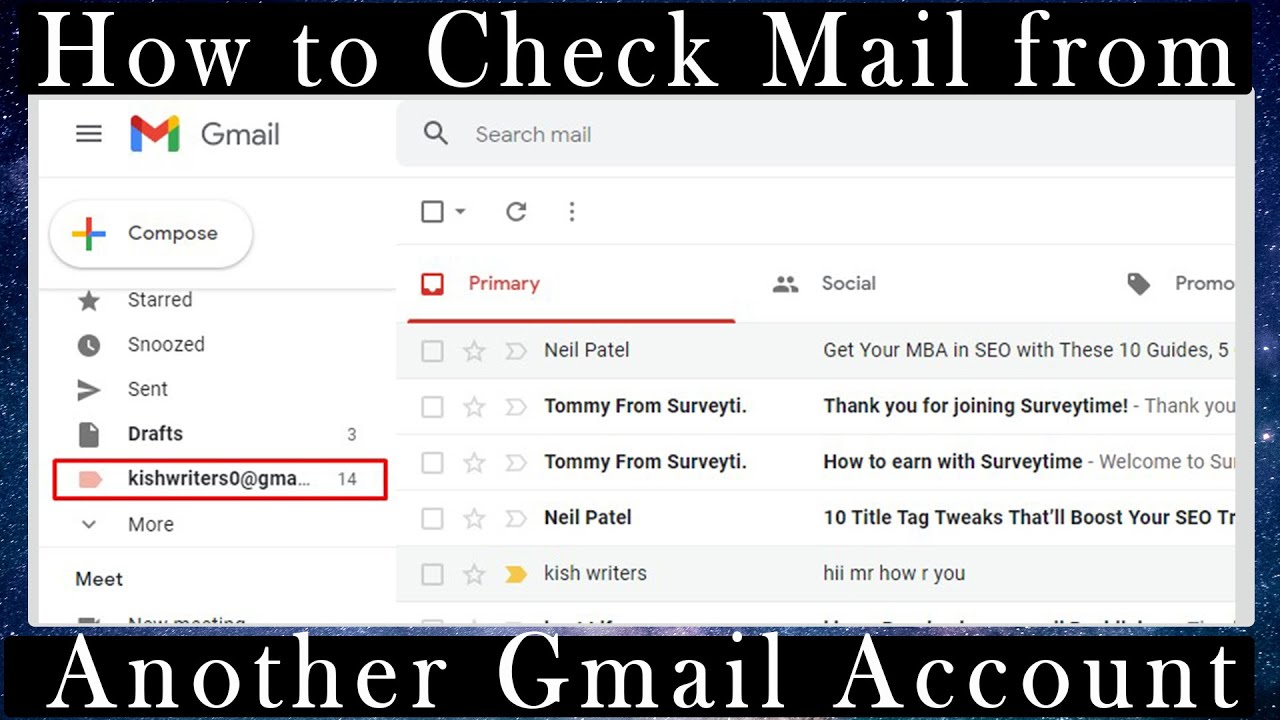
Do you frequently ask yourself, "How do I check my Gmail?"
If so, you're not alone. Gmail is one of the most popular email services in the world, and it can be a bit daunting to figure out how to use it if you're new to it. That's why we've put together this guide on how to check your Gmail account. We'll walk you through the steps of signing in, reading and replying to emails, and managing your inbox.
Once you've signed in, you'll be taken to your inbox. This is where you'll see a list of all your emails. To read an email, simply click on it. The email will open in a new window. You can then read the email and reply to it if you wish.
To reply to an email, click on the "Reply" button. A new window will open where you can type your reply. Once you're finished, click on the "Send" button.
That's all there is to it! Checking your Gmail account is easy. Just follow the steps in this guide and you'll be able to access your emails in no time.
Frequently Asked Questions
This section addresses some of the most common questions and concerns that users may have about checking email on Gmail.
Question 1: How do I sign in to my Gmail account?
To sign in to your Gmail account, go to the Gmail website (https://mail.google.com) and enter your email address and password.
Question 2: I forgot my Gmail password. How can I reset it?
If you have forgotten your Gmail password, you can reset it by clicking on the "Forgot password?" link on the Gmail sign-in page. You will then be prompted to enter your email address and answer a security question.
Question 3: How do I check for new emails?
To check for new emails, simply click on the "Inbox" tab at the top of the Gmail page. New emails will be displayed in the inbox.
Question 4: How do I read an email?
To read an email, click on the email in the inbox. The email will open in a new window.
Question 5: How do I reply to an email?
To reply to an email, click on the "Reply" button at the top of the email window. A new window will open where you can type your reply.
Question 6: How do I manage my inbox?
You can manage your inbox by using the various tools and features available in Gmail. For example, you can use the search bar to find specific emails, or you can use the filters to sort emails by sender, subject, or label.
We hope this FAQ section has been helpful. If you have any other questions, please feel free to contact us.
For more information, please refer to the following resources:
- Gmail Help Center
- Gmail Tutorial for Beginners
Conclusion
In this article, we have explored the basics of how to check email on Gmail. We have covered everything from signing in to your account to reading and replying to emails. We have also included a FAQ section to address some of the most common questions that users may have.
We hope that this article has been helpful. If you have any other questions, please feel free to contact us. You can also find more information in the Gmail Help Center.
Hilarious Short Funny One Liners To Brighten Your Day
The Ultimate Guide To Inspiring And Spiritual Quotes
Creative Arctic Fox Names For Your Elven Companion