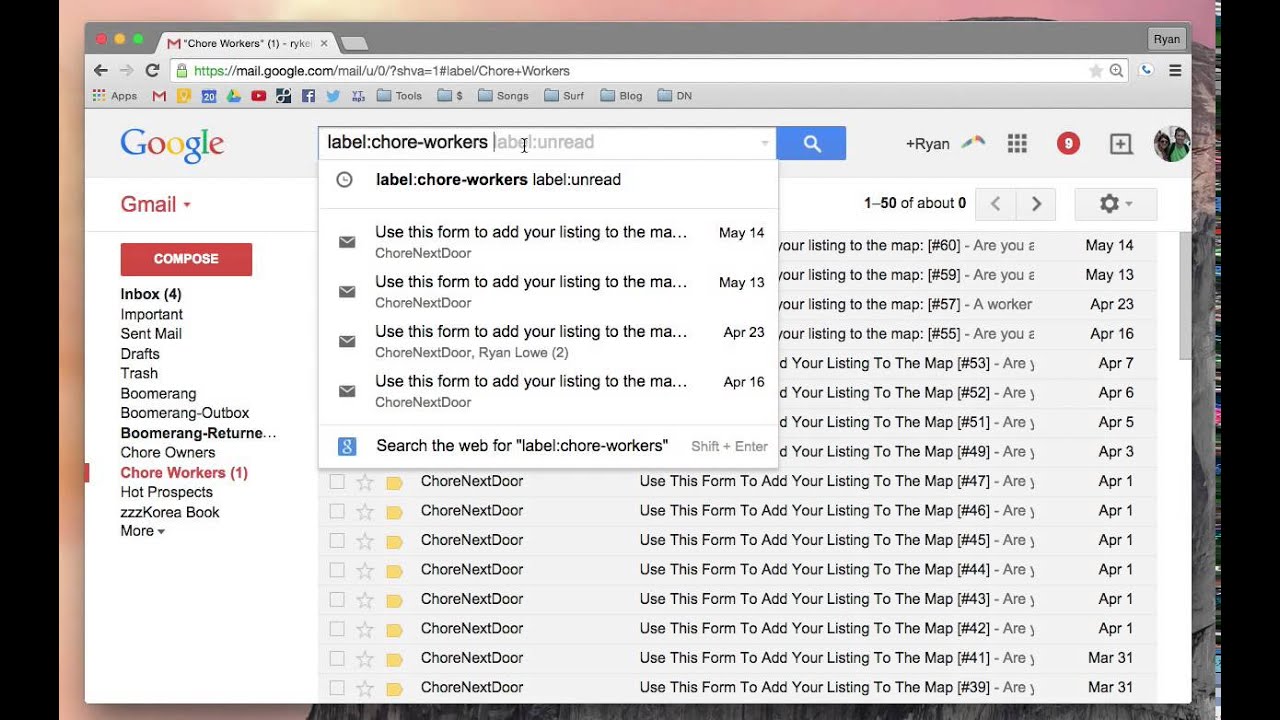
What are "my email messages"?
"My email messages" refer to the electronic mail messages that are stored in your personal email account. These messages can include a variety of content, such as personal correspondence, work-related documents, and marketing materials.
Email messages have become an essential part of modern communication. They are a convenient and efficient way to stay in touch with friends, family, and colleagues. Email messages can also be used to share files, schedule appointments, and manage tasks.
The history of email messages dates back to the early days of the internet. In 1971, Ray Tomlinson sent the first email message from one computer to another. Since then, email has become one of the most widely used communication technologies in the world.
Today, there are a variety of different email service providers, such as Gmail, Yahoo Mail, and Outlook.com. These providers offer a range of features, such as spam filtering, virus protection, and mobile access.
FAQs about "my email messages"
This section provides answers to some of the most frequently asked questions about "my email messages".
Question 1: What are "my email messages"?
Answer: "My email messages" refer to the electronic mail messages that are stored in your personal email account.
Question 2: How can I access my email messages?
Answer: You can access your email messages by logging into your email account through a web browser or an email client.
Question 3: How can I organize my email messages?
Answer: You can organize your email messages by using folders, labels, and filters.
Question 4: How can I protect my email messages from spam and viruses?
Answer: You can protect your email messages from spam and viruses by using a spam filter and a virus scanner.
Question 5: How can I recover deleted email messages?
Answer: You can recover deleted email messages by checking your email account's trash or recycle bin.
Question 6: What should I do if I am having problems with my email messages?
Answer: If you are having problems with your email messages, you can contact your email service provider for help.
These are just a few of the most frequently asked questions about "my email messages". For more information, please consult your email service provider's documentation.
...
Conclusion
In this article, we have explored the topic of "my email messages". We have discussed what email messages are, how to access them, how to organize them, and how to protect them from spam and viruses. We have also answered some of the most frequently asked questions about email messages.
Email messages are an essential part of modern communication. They are a convenient and efficient way to stay in touch with friends, family, and colleagues. Email messages can also be used to share files, schedule appointments, and manage tasks. By understanding how to use email messages effectively, you can improve your communication and productivity.
Ryan's World: Age, Net Worth, And More
Discover Doug's Distinctive Hair: Tips For Achieving The Doug B Look
The Unfathomable Terrors: Unraveling The Most Nightmarish Phenomena In The World